how to read/write direct to kafka: A Developer's Guide
how to read/write direct to kafka: A practical guide with code samples, configs, and best practices for developers.
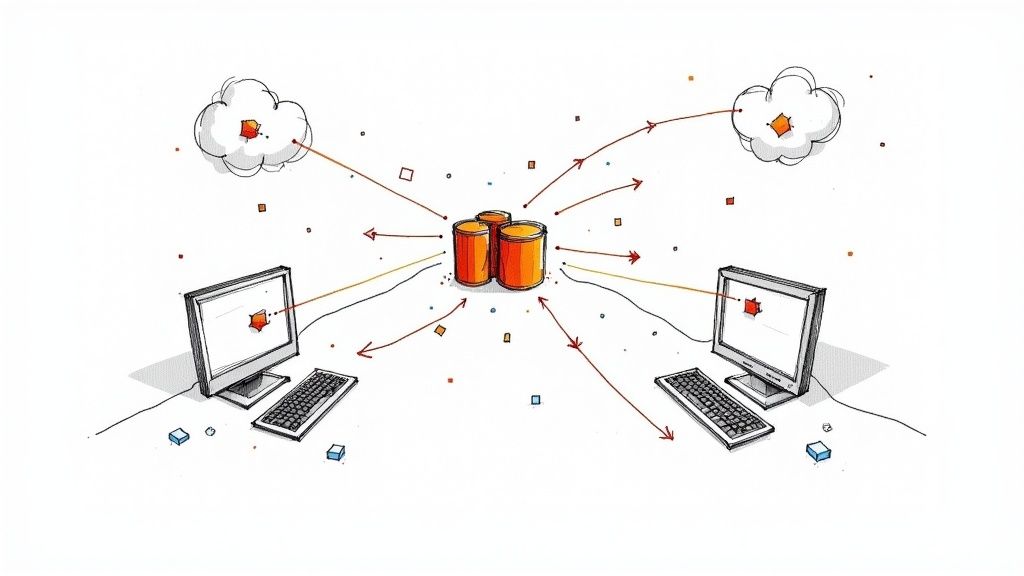
To get data into and out of Apache Kafka, you’ll work with its core client APIs to build two key components: Producers and Consumers. Using a native client library—like kafka-python, Java’s kafka-clients, or Go’s confluent-kafka-go—gives you a direct line to the Kafka cluster. This is the most hands-on way to interact with your data streams, offering complete control over how your application sends and receives messages.
Why Go Direct With Kafka?
When you choose to write your own Kafka producers and consumers, you’re deliberately peeling back layers of abstraction. Why? It usually boils down to three things: raw performance, fine-grained control, and avoiding the overhead of intermediary tools. This direct-to-the-metal approach is what powers so many real-time applications where high throughput and low latency are non-negotiable.
Building your own clients puts you in the driver’s seat. You get to configure every detail of the data exchange, which is crucial for tailoring Kafka to your specific needs.
You can directly control:
- Durability Guarantees: You decide how many broker acknowledgments (
acks) are needed to confirm a message has been safely written. - Throughput vs. Latency: You can tune batch sizes and linger times (
batch.size,linger.ms). Do you need messages sent instantly, or is it better to group them for more efficient network traffic? You make the call. - Resilience: Setting up automatic retries becomes straightforward, letting your application gracefully handle temporary network hiccups without manual intervention.
The Strategic Edge of Direct Interaction
Going direct isn’t just a technical decision; it’s often a strategic one, especially when you’re building systems where every millisecond and byte matters. There’s a reason so many high-performance data systems are built this way. In fact, over 70% of Fortune 500 companies use Kafka for direct data ingestion and processing. Many of these companies report a 40% reduction in data pipeline latency when compared to older ETL methods.
This level of control is essential when you’re learning how to build data pipeline architectures from the ground up. But with great power comes great responsibility. The trade-off is that your team is now on the hook for managing clients, implementing security, and ensuring data consistency.
The real challenge for many teams is finding the right balance between this raw power and operational simplicity. Direct interaction gives you ultimate control, but it’s always wise to understand when a managed service can handle the underlying complexity for you. For a deeper dive, check out our guide on managed Kafka solutions.
Before we jump into the code examples, it helps to see where this direct API approach fits into the broader Kafka ecosystem. The table below gives a quick overview of the different ways you can get data flowing.
Kafka Interaction Methods At a Glance
MethodBest ForComplexityPerformanceDirect APICustom applications, real-time analytics, high-performance microservices.HighExcellentKafka ConnectIntegrating standard data sources and sinks (e.g., databases, S3) with minimal code.MediumGoodManaged CDCReal-time database replication without custom code, ensuring exactly-once delivery.LowExcellentKafka Streams/ksqlDBReal-time stream processing and stateful applications directly within Kafka.MediumGood
This comparison helps frame the decision-making process. Now, let’s get into the practical, hands-on examples of how to build your own producers and consumers.
Building a High-Performance Kafka Producer
Getting data into Kafka is the very first step in any streaming pipeline. This is the job of the producer, which sends messages to a specific topic. But just firing off messages and hoping for the best isn’t going to cut it. How you configure that producer has a massive impact on your system’s performance, durability, and ability to handle failure.
At its heart, the process involves spinning up a KafkaProducer instance with a client library and feeding it a set of configuration properties. These aren’t just boilerplate settings; they are the crucial dials you turn to fine-tune everything from data safety to network efficiency.
The payoff for getting this right is huge. When you interact with Kafka directly, you unlock some serious advantages.
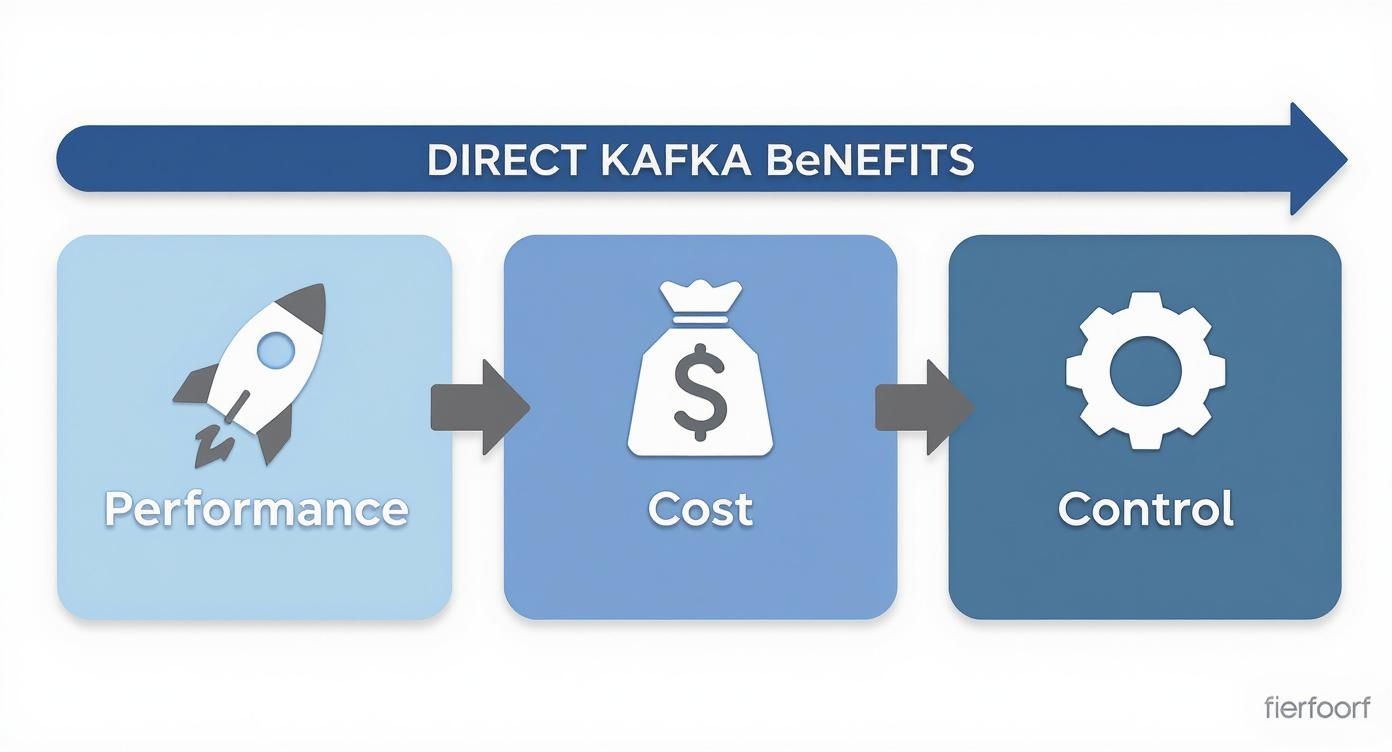
As you can see, going direct gives you a powerful mix of raw performance, lower costs, and complete control over how your data flows. Let’s dig into how to configure a producer to make this a reality.
Essential Producer Configurations
First, let’s cover the absolute must-know settings. Think of these as the foundation for any producer you build—getting them right is fundamental to creating something that’s both fast and reliable.
bootstrap.servers
This is the one setting you simply can’t skip. It’s a comma-separated list of broker host:port addresses your producer uses for its first connection to the Kafka cluster. You don’t need to list every single broker, though. The client is smart enough to discover the rest of the cluster on its own once it connects.
- Example (Java):
"broker1:9092,broker2:9092" - Pro Tip: Always list at least two or three brokers. If one happens to be down when your application starts up, the producer can simply try the next one on the list and connect without a hitch.
key.serializer and value.serializer
Kafka itself doesn’t care about your data objects; it just shuffles byte arrays around. These two settings tell the producer how to turn your message keys and values into bytes before they hit the network.
- Common choices: You’ll often see
StringSerializerfor simple text,ByteArraySerializerfor when you’re already working with bytes, or more structured formats like Avro usingKafkaAvroSerializer. - Why it matters: This is a classic “gotcha.” The consumer on the other end needs a matching deserializer to read the data correctly. If the producer serializes with Avro and the consumer tries to deserialize it as a plain string, you’re going to have a bad time.
Balancing Durability and Throughput
This is where the real engineering decisions come into play. Do you need an ironclad guarantee that every single message is safely stored? Or can you accept a tiny risk of data loss in exchange for blistering speed? How you answer that question will determine your settings for acknowledgments (acks), retries, and batching.
acks (Acknowledgments)
This setting dictates how many broker replicas need to confirm they have the message before the producer considers it successfully sent. It’s your main lever for controlling data durability.
acks=0: Fire and forget. The producer sends the message and doesn’t wait for a response. You get the lowest latency but zero guarantee of delivery.acks=1: The default for a reason. The producer waits for the leader replica to write the message to its log. It’s a solid middle-ground between durability and performance.acks=all(or-1): The gold standard for safety. The producer waits for the leader and all in-sync replicas (ISRs) to acknowledge the message, giving you the strongest durability guarantee.
For anything mission-critical, like financial transactions or user orders, acks=all is the only responsible choice. For high-volume, less-critical data like logging or metrics, acks=1 is usually more than enough.
retries
Networks are flaky. It’s a fact of life. The retries setting tells the producer to automatically try sending a failed message again. For any production system, setting this to a value greater than 0 is a must for building resilience against temporary network blips or broker restarts.
linger.ms and batch.size
Instead of sending every message the moment it arrives, a producer can collect them into batches to send all at once. This is far more efficient, as it reduces network round-trips and lets the brokers handle data more effectively.
batch.size: Sets the maximum size (in bytes) of a batch.linger.ms: Tells the producer to wait up to this many milliseconds to let a batch fill up before sending it.
Tuning these is the classic latency-vs-throughput trade-off. A higher linger.ms means bigger batches and better overall throughput, but it also adds a delay to each message. If you’re chasing every millisecond of latency, check out our deep dive on tuning Kafka for sub-second pipelines.
Practical Code Examples
Enough theory. Let’s see what this looks like in code. Here are some quick-start examples for creating a Kafka producer in a few popular languages.
Java Producer Example
Properties props = new Properties();
props.put(“bootstrap.servers”, “localhost:9092”);
props.put(“acks”, “all”);
props.put(“retries”, 3);
props.put(“key.serializer”, “org.apache.kafka.common.serialization.StringSerializer”);
props.put(“value.serializer”, “org.apache.kafka.common.serialization.StringSerializer”);
Producer producer = new KafkaProducer<>(props);
producer.send(new ProducerRecord(“my-topic”, “key1”, “my-message”));
producer.close();
Python Producer Example
from confluent_kafka import Producer
conf = {
‘bootstrap.servers’: ‘localhost:9092’,
‘acks’: ‘all’,
‘retries’: 3
}
producer = Producer(conf)
producer.produce(‘my-topic’, key=‘key1’, value=‘my-message’)
producer.flush()
These snippets give you a rock-solid starting point. You can copy this code, drop it into your project, and then start tweaking the configurations we’ve just discussed. A good rule of thumb is to start with the safest defaults (acks=all) and then tune for more performance once you’ve confirmed everything works as expected.
Building a Resilient Kafka Consumer
Once you have data flowing into Kafka, the real work begins: reading and processing it. This is the job of the Kafka Consumer, a client application that subscribes to topics to pull in messages. But just reading data isn’t the goal. You need to build a consumer that’s resilient, scalable, and can gracefully handle the bumps and bruises that come with any distributed system.
The secret to scalable consumption in Kafka is consumer groups. When you have multiple consumer instances share the same group.id, you’re essentially creating a team of workers. Kafka then does the heavy lifting, automatically divvying up the topic partitions among the members of that group. This lets you process messages in parallel.
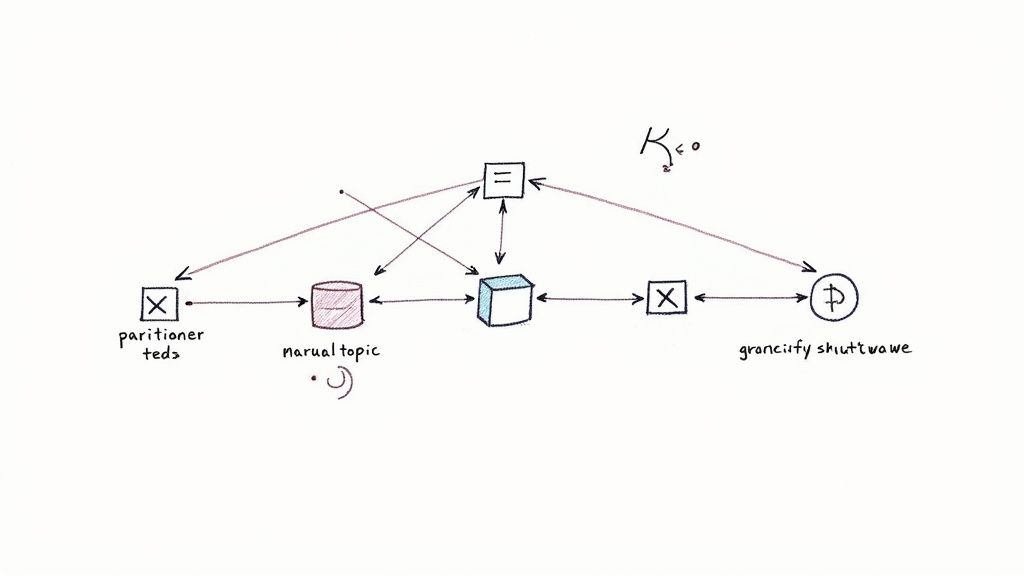
This powerful mechanism is why learning to read directly from Kafka is so valuable. If one consumer fails, Kafka just rebalances the partitions among the remaining, healthy members, ensuring the data processing pipeline doesn’t stop. It’s this ability to scale horizontally that allows you to build systems ready for any workload.
Core Consumer Configurations
Like with producers, a few key settings control almost everything about how your consumer behaves. Getting these right is the first step toward building a reliable data processing application.
bootstrap.servers
This is the same as the producer config. It’s the starting list of broker addresses your consumer uses to connect to the cluster and discover all the other brokers.
group.id
This string is what defines a consumer group. Every consumer that shares the same group.id is considered part of the same team, working together to process messages from a topic.
key.deserializer and value.deserializer
This is the mirror image of the producer’s serializer settings. The consumer needs to know how to turn the raw bytes it gets from Kafka back into usable data objects. The deserializer you pick here must match the serializer used by the producer that wrote the data.
- Common Pairings: If your producer used
StringSerializer, your consumer must useStringDeserializer. If the producer usedKafkaAvroSerializer, the consumer needsKafkaAvroDeserializer. A mismatch here is probably one of the most common mistakes I see people make when they’re starting out.
The Critical Role of Offset Management
If there’s one concept to truly master when building a consumer, it’s offset management. An offset is just a pointer, a bookmark that tracks how far a consumer group has read within a specific partition.
Getting this right is the difference between a system that processes every message exactly once and one that either loses data or processes messages multiple times. The main setting that governs this is enable.auto.commit.
enable.auto.commit=true(The Default): With this on, the consumer client automatically commits offsets in the background at a regular interval (set byauto.commit.interval.ms). It’s convenient, but it’s also risky. A consumer could crash after processing a batch of messages but before the client gets a chance to auto-commit the new offset. When it restarts, it will re-process that same batch of messages.enable.auto.commit=false(The Safer Choice): This setting puts you in the driver’s seat. You have to explicitly tell the consumer when to commit an offset, which you’d typically do right after you’ve successfully processed a message or a batch of them. This manual approach is the gold standard for any application where you can’t tolerate data loss or duplicates.
For any serious production workload, especially in something like e-commerce order processing, manual offset commits are non-negotiable. It’s the only way to guarantee that a processed order isn’t accidentally processed a second time if your application restarts.
Another crucial setting is auto.offset.reset. This tells the consumer what to do when it joins a group for the first time and there’s no previously committed offset for it to pick up from.
latest(Default): The consumer will start reading only new messages that arrive after it subscribes.earliest: The consumer will go all the way back to the beginning of the partition and read every available message from the start.
Hands-On Consumer Code Examples
Let’s see what this looks like in practice. These examples show how to set up a basic consumer that subscribes to a topic, polls for new messages, and manually commits its offsets.
Java Consumer Example
Properties props = new Properties();
props.setProperty(“bootstrap.servers”, “localhost:9092”);
props.setProperty(“group.id”, “order-processing-group”);
props.setProperty(“enable.auto.commit”, “false”);
props.setProperty(“key.deserializer”, “org.apache.kafka.common.serialization.StringDeserializer”);
props.setProperty(“value.deserializer”, “org.apache.kafka.common.serialization.StringDeserializer”);
KafkaConsumer consumer = new KafkaConsumer<>(props);
consumer.subscribe(Arrays.asList(“orders-topic”));
while (true) {
ConsumerRecords records = consumer.poll(Duration.ofMillis(100));
for (ConsumerRecord record : records) {
// Process the record here
}
consumer.commitSync(); // Manually commit the offset after processing the batch
}
Python Consumer Example
from confluent_kafka import Consumer
conf = {
‘bootstrap.servers’: ‘localhost:9092’,
‘group.id’: ‘order-processing-group’,
‘auto.offset.reset’: ‘earliest’,
‘enable.auto.commit’: False
}
consumer = Consumer(conf)
consumer.subscribe([‘orders-topic’])
try:
while True:
msg = consumer.poll(1.0)
if msg is None:
continue
# Process message here
consumer.commit(asynchronous=False)
except KeyboardInterrupt:
pass
finally:
consumer.close()
The good news is that writing these clients has become much easier. The average time to implement a direct Kafka producer or consumer in a new application has dropped to under 2 hours, a huge improvement from the 8 hours it might have taken a few years ago. This is thanks to much better client libraries and documentation.
In fact, recent surveys show that 85% of developers prefer using Kafka’s native clients for direct data streaming, pointing to ease of integration and robust error handling as the main reasons. You can learn more about the latest trends in Kafka adoption to see where the ecosystem is heading.
How to Secure Your Kafka Connections
Sending data over an unsecured network in a production environment is simply not an option. When you’re working directly with Kafka and handling any kind of sensitive information, you have to lock things down. This really boils down to two critical tasks: making sure the data is unreadable as it flies across the network (encryption) and verifying that only the right clients are allowed to connect (authentication).
Thankfully, Kafka comes with a solid security framework built right in. You’ll generally hear about three main security protocols: PLAINTEXT, SSL/TLS, and SASL. While PLAINTEXT is fine for a quick “hello world” on your local machine, it sends everything in the clear and should never be used for real work. For any serious application, you’ll be using TLS and SASL together.
It’s helpful to have a good grasp of the role of encryption in information security in general, as it provides the broader context for why these specific Kafka configurations are so important.
Encrypting Data In Transit With TLS
Transport Layer Security (TLS)—you might know its predecessor, SSL—is the industry standard for encrypting data in motion. When you set up TLS for your Kafka clients and brokers, you’re essentially creating a private, encrypted tunnel between them. This prevents anyone from snooping on your network traffic. If they manage to intercept it, all they’ll see is garbled, useless data.
To get this working, your client has to trust the server it’s connecting to. This is where a truststore comes in. Think of it as an address book of trusted Certificate Authorities (CAs). The client checks the broker’s certificate against this list to verify its identity.
Your client configuration will need to point to this truststore file and include its password.
security.protocol=SSL(orSASL_SSLif you’re also using SASL)ssl.truststore.location=/path/to/client.truststore.jksssl.truststore.password=your_password
This setup is your first line of defense. It confirms your application is talking to a legitimate Kafka broker and not some malicious imposter.
Authenticating Clients With SASL
Okay, so TLS encrypts the conversation, but it doesn’t really care who is on the other end. That’s a job for the Simple Authentication and Security Layer (SASL). SASL is all about proving a client’s identity to the Kafka brokers before they’re allowed to read from or write to a topic.
Kafka supports a few different SASL mechanisms, but you’ll almost always run into one of these two:
- SASL/PLAIN: This is your classic username-and-password setup. It’s simple to configure, but you must run it over a TLS-encrypted connection (
SASL_SSL). Otherwise, you’re sending credentials in plain text, which defeats the whole purpose. - SASL/SCRAM: The Salted Challenge Response Authentication Mechanism is a much more secure option. Instead of sending the password, it uses a clever challenge-response process to prove the client knows the password without ever putting the password itself on the wire.
To set up something like SASL/SCRAM, you’ll typically create a JAAS (Java Authentication and Authorization Service) configuration file.
A JAAS file is just a simple text file that tells the Java Kafka client which login module to use and what credentials to provide. This is a great practice for keeping secrets out of your main application code.
A simple JAAS file might look like this:
KafkaClient {
org.apache.kafka.common.security.scram.ScramLoginModule required
username=“your_user”
password=“your_password”;
};
Then, you just need to update your client properties to enable SASL over SSL and point it to this configuration.
// Java Example
props.put(“security.protocol”, “SASL_SSL”);
props.put(“sasl.mechanism”, “SCRAM-SHA-256”);
props.put(“sasl.jaas.config”, “org.apache.kafka.common.security.scram.ScramLoginModule required username=“your_user” password=“your_password”;“);
By combining TLS for encryption with SASL for authentication, you’re building a layered security model. This approach ensures your data stays private and is only accessed by the applications that are supposed to be accessing it—a must-have for any direct-to-Kafka integration.
Managing Schemas for Data Consistency
When you’re first getting your hands dirty with Kafka, it’s so tempting to just sling raw JSON strings into a topic. It works, it’s easy, and you can get a prototype running in minutes. But I’ve seen this shortcut turn into a major headache down the road. It’s a classic technical debt trap.
What happens six months later when a producer adds a new field, or worse, changes a data type from an integer to a string? Without a contract in place, your consumers will almost certainly break, leading to late-night debugging sessions and lost data.
This is exactly why schema management isn’t just a “nice-to-have”—it’s a non-negotiable part of building a production-ready system. By defining a clear, structured format for your messages, you create a formal contract between the services that produce data and those that consume it. This simple practice ensures data stays consistent and readable, even as your applications inevitably change.
Why Avro and Protobuf Beat Raw JSON
While we all love JSON for its readability, it just doesn’t have the structural rigor needed for building resilient data pipelines. This is the problem that formats like Apache Avro or Google’s Protocol Buffers (Protobuf) were designed to solve.
They bring some serious advantages to the table:
- Strong Typing: Schemas force you to define explicit data types (string, integer, etc.). This kills ambiguity at the source and stops producers from ever sending malformed data.
- Compact Messages: Both formats serialize data into a tight binary representation. This can dramatically shrink your message size, which translates directly into savings on network bandwidth and storage costs.
- Schema Evolution Guarantees: This is the killer feature. Avro and Protobuf have built-in, well-defined rules for how schemas can change over time. You can add a new optional field or remove an old one, and as long as you follow the rules, you won’t break older consumers.
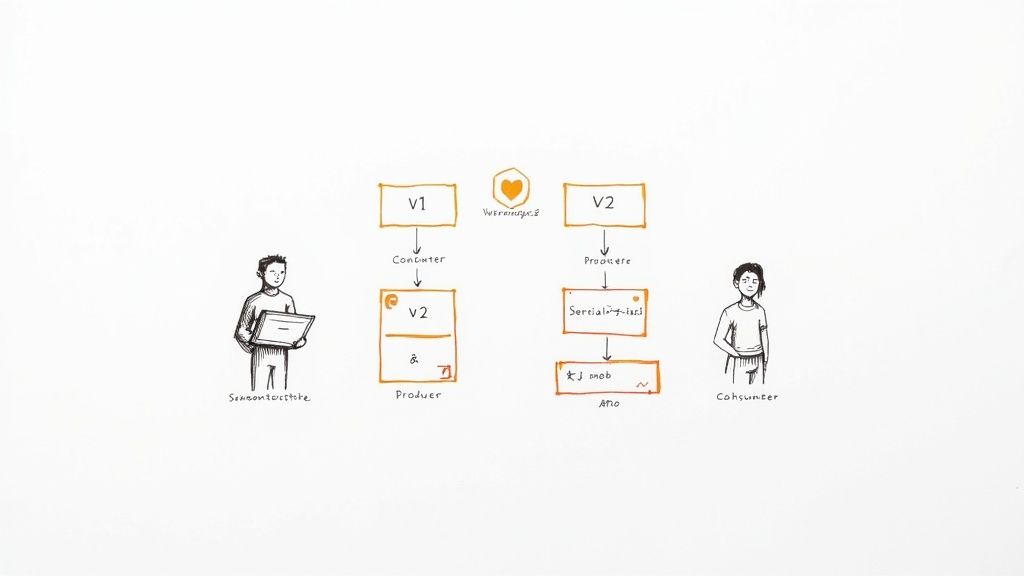
The whole point is to decouple your producers from your consumers. A consumer built to understand version 1 of a schema can still seamlessly process messages created with a backward-compatible version 2. This is huge—it lets different teams update their services independently without having to coordinate a risky, all-at-once deployment.
Integrating with a Schema Registry
Just having a schema file sitting in a git repo isn’t enough. You need a centralized system to manage it. This is where a Schema Registry comes in. Think of it as the single source of truth for every event schema in your organization.
Here’s how it works in practice: when a producer is ready to send a message, its specialized serializer (like an Avro serializer) doesn’t just immediately convert the data to bytes. First, it checks with the Schema Registry to see if the schema is already known. If not, it registers the new schema and gets back a unique ID. This tiny integer ID is then prefixed to the message payload before it’s sent off to Kafka.
On the other side, the consumer’s deserializer reads that small ID from the start of the message. It then asks the registry, “Hey, what schema does this ID correspond to?” The registry provides the exact schema, which the consumer can then use to correctly deserialize the binary payload. This whole lookup is cached locally, so it’s incredibly fast after the first time.
Using a Schema Registry transforms your Kafka topics from unstructured data dumps into strongly-typed, self-describing data streams. It’s the foundation for building data pipelines that are resilient to change.
Automating Serialization with Avro
Let’s look at a quick example of how this plays out in code. The magic happens when you swap out a generic StringSerializer for an Avro-specific one, like the popular KafkaAvroSerializer from Confluent.
Producer Configuration (Java)
// Use the Avro serializer for the message value
props.put(“value.serializer”, “io.confluent.kafka.serializers.KafkaAvroSerializer”);
// Point to your Schema Registry instance
props.put(“schema.registry.url”, “http://localhost:8081”);
Consumer Configuration (Java)
// Use the matching Avro deserializer
props.put(“value.deserializer”, “io.confluent.kafka.serializers.KafkaAvroDeserializer”);
// Also point to the Schema Registry
props.put(“schema.registry.url”, “http://localhost:8081”);
And that’s pretty much it. With just a couple of configuration changes, the client library handles all the heavy lifting of schema registration, validation, and versioning for you. This automation is what makes schema-driven development so powerful for mission-critical systems.
This tight integration also opens the door to more advanced Kafka features. For example, building on top of well-defined data contracts allows you to reliably implement exactly-once semantics and transactional messaging. These aren’t just niche features; they’re used by 60% of financial institutions for applications where compliance is on the line. To see where the industry is heading, check out the latest trends in Kafka adoption. It all starts with a solid, schema-enforced data contract.
When a Managed CDC Solution Makes More Sense
Getting comfortable with producing and consuming messages directly with Kafka is a powerful skill. But let’s be honest—it’s not always the right tool for the job. Building, deploying, and maintaining custom producers and consumers requires a serious engineering commitment.
Before you dive into writing bespoke code, it’s worth asking a critical question: can a more specialized tool get you to your goal faster and with less headache?
This is particularly true if your main objective is to replicate data from a database into Kafka. Attempting to build a producer that can correctly tail the transaction log of something like Postgres, MySQL, or MongoDB is a monumental task. You quickly run into thorny problems with schema changes, transaction ordering, and ensuring you don’t lose data when things go wrong.
The Case for Managed Change Data Capture
Why reinvent the wheel when a better one already exists? This is where a managed Change Data Capture (CDC) platform comes in. These services are experts at one thing: streaming every insert, update, and delete from your database into Kafka in real-time. The best part? You don’t have to write a single line of producer code.
A managed CDC solution handles all the messy, low-level details of database log parsing and resilient Kafka production. This frees up your team to focus on what actually matters—building valuable applications with that data, not just moving it around.
Here’s what you get with a dedicated CDC platform that’s tough to replicate with a DIY approach:
- No-Code Pipelines: You can typically connect your source database to your Kafka cluster through a simple UI, getting data flowing in minutes, not weeks.
- Guaranteed Delivery: These platforms are built to provide exactly-once delivery semantics right out of the box, a feature that is notoriously difficult and time-consuming to implement correctly in custom code.
- Automatic Schema Handling: When a column is added to a source table, a managed solution can automatically register the new schema version in your Schema Registry. No manual intervention, no broken consumers.
If your project involves streaming data out of a production database, taking a moment to understand what is Change Data Capture is a must. A platform like Streamkap can save you hundreds of development hours and deliver a more robust, fault-tolerant data pipeline from the very beginning.
Frequently Asked Questions About Kafka
As you get your hands dirty writing and reading directly from Kafka, a few questions inevitably pop up. I’ve seen them countless times. Nailing down the answers early on can save you a world of hurt and help you design much more resilient systems from the get-go.
Is Kafka Just a Simple Message Queue?
This is a big one. The short answer is no; Kafka is fundamentally different from traditional message queues like RabbitMQ or Amazon SQS. While it can act like a message queue, its core architecture is a distributed, append-only log.
Think of it less as a simple mailbox and more as a durable streaming platform. This design gives you data persistence and replayability—the ability to re-read messages from the past. That’s a game-changer that most simple queues just don’t offer.
What Happens if a Kafka Broker Goes Down?
Kafka was built for this exact scenario. It’s designed from the ground up for high availability. When you create a topic, its partitions are replicated across multiple brokers in the cluster.
If a broker fails, Kafka’s built-in leader election process kicks in automatically. An in-sync replica (ISR) on another healthy broker takes over as the new partition leader. Your producers and consumers will seamlessly fail over to the new leader without you having to lift a finger.
The key here is your replication factor. As long as it’s greater than 1—and a production standard is typically 3—losing a single broker won’t cause data loss or an outage.
Can I Guarantee Message Ordering?
Yes, you absolutely can, but there’s a critical detail to understand. Kafka guarantees message ordering within a single partition. If your producer sends messages A, B, and C to the same partition, they’ll be written in that exact order, and every consumer will read them in that same sequence.
What Kafka doesn’t provide is global ordering across all partitions of a topic. If you need to process a sequence of related events in order—say, all updates for a specific customer—you have to ensure they all land in the same partition. The most common way to do this is by consistently using the same message key (like the customer_id).
Tired of wrestling with the complexities of building and managing Kafka producers for database changes? Streamkap offers a managed Change Data Capture (CDC) platform that handles it all for you. We stream data from your databases to Kafka in real-time with exactly-once semantics and automated schema management built right in. See how it works at https://streamkap.com.
Related resources
Batch-to-Streaming Migration Playbook: Parallel Running and Output Validation
A practical guide to migrating batch ETL jobs to streaming pipelines, covering prioritization frameworks, parallel-run architectures, output validation techniques, and safe cutover mechanics.
Real-Time Data Pipelines for AI Agents: Architecture, Patterns, and Implementation Guide
A practical guide to building real-time data pipelines that feed AI agents with fresh context. Covers architecture patterns, streaming transforms, and step-by-step implementation.
The Startup Guide to AI Agents: Ship Your First Real-Time Agent in a Weekend
A step-by-step guide for startup teams to build their first AI agent powered by real-time streaming data. Go from zero to a working agent in a weekend.