Top 12 Data Warehouse Automation Tools for 2025
Explore our curated list of the top data warehouse automation tools for 2025. Compare features, pricing, and use cases to find the perfect solution.
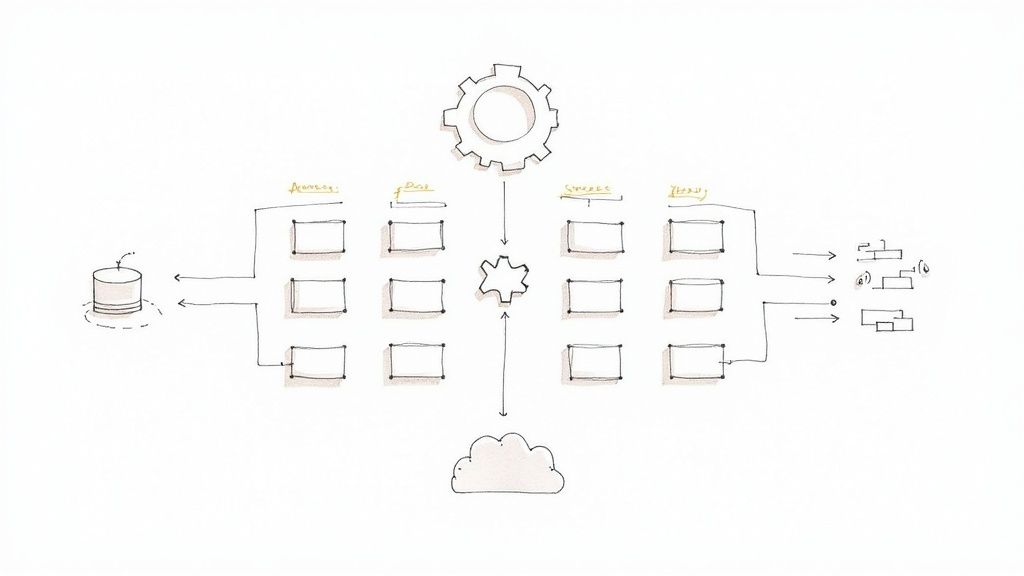
In today’s data-driven environment, manually building and maintaining data warehouses is a significant bottleneck. This traditional approach is slow, prone to human error, and consumes countless engineering hours that could be better spent on innovation and analysis. The limitations of manual data warehousing in 2025 underscore the critical need for automation to efficiently handle growing data volumes and effectively scale your business.
Data warehouse automation tools have emerged as the definitive solution to this challenge. These platforms transform what once took months of hand-coding into days or even hours of automated, repeatable, and governed processes. By streamlining everything from data ingestion and schema evolution to deployment and lifecycle management, DWA platforms ensure consistency, reduce errors, and dramatically accelerate your time-to-insight.
This guide provides a comprehensive breakdown of the top data warehouse automation tools available today. We move beyond marketing copy to offer a practical analysis of each platform’s core features, ideal use cases, and honest limitations. You will find detailed comparisons covering:
- Automation scope and modeling approach (e.g., Data Vault 2.0, Dimensional).
- Schema handling and change data capture (CDC) capabilities.
- Support for modern destinations like Snowflake, BigQuery, and Databricks.
- Pricing models and implementation considerations.
Each review includes screenshots and direct links to help you evaluate the right platform to modernize your data stack. We’ll explore everything from comprehensive, model-driven suites like WhereScape and TimeXtender to real-time streaming ETL solutions like Streamkap, helping you find the perfect fit for your specific needs.
1. Streamkap
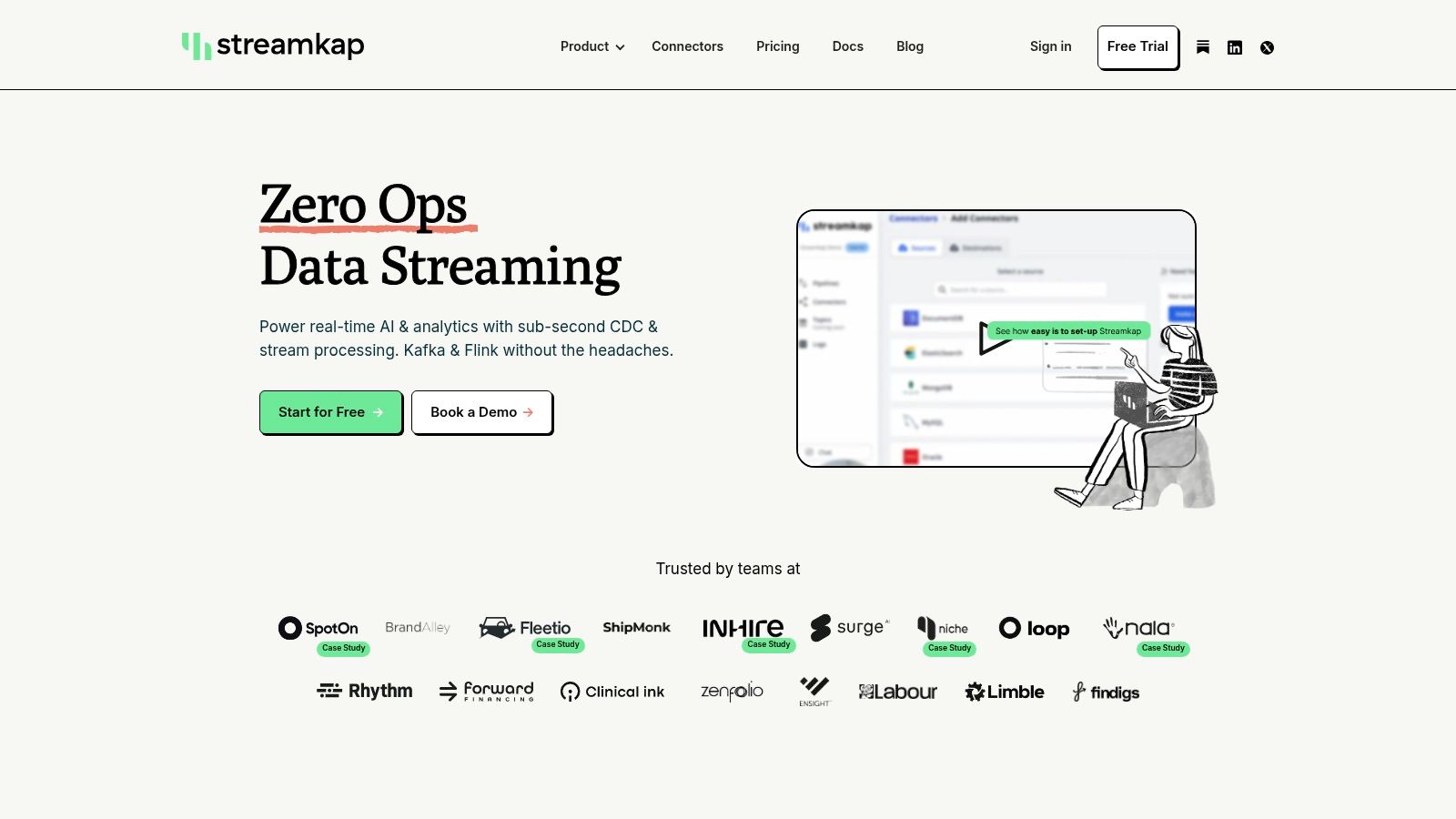
Streamkap stands out as a premier choice among data warehouse automation tools for teams prioritizing real-time data movement with zero operational overhead. It provides a fully managed Change Data Capture (CDC) and stream processing platform, effectively replacing traditional, slow batch ETL jobs with continuous, sub-second data pipelines. This approach is engineered to deliver fresh data to destinations like Snowflake, Databricks, and BigQuery almost instantly.
The platform’s core strength lies in its abstraction of complex streaming infrastructure. By managing both Kafka and Flink under the hood, Streamkap gives data teams the power of an event-driven architecture without the significant engineering resources typically required to build, scale, and maintain it. This “zero-ops” model allows for rapid implementation, with users often setting up production-grade pipelines in minutes using pre-built, no-code connectors for sources like PostgreSQL, MySQL, and MongoDB.
Key Features & Use Cases
Streamkap excels in automating the most challenging aspects of data warehousing. Its automated schema drift handling ensures that pipelines remain stable even when source data structures change, a common failure point in less sophisticated tools. Furthermore, built-in Python and SQL transformations empower users to perform in-stream data masking, hashing, enrichment, and JSON unnesting before the data ever lands in the warehouse.
Ideal use cases include:
- Real-time Analytics: Powering live dashboards and operational intelligence by feeding warehouses with continuous, low-latency data.
- Event-Driven Applications: Building responsive systems that react to data changes as they happen.
- Data Replication and Modernization: Migrating from legacy batch systems to modern, cloud-native streaming architectures with minimal source database impact.
- AI/ML Feature Engineering: Supplying machine learning models with the most current data for more accurate predictions.
Pros & Cons
StrengthsLimitationsZero-Ops Managed Kafka & Flink: Eliminates the need to operate complex streaming infrastructure.Opaque Pricing: Requires direct contact for detailed cost and commitment information.Sub-Second CDC & Schema Handling: Ensures real-time data sync with minimal impact on source systems.Reduced Low-Level Control: May not suit teams needing deep, custom Kafka/Flink tuning.Built-in Transformations: Enables in-flight data masking, enrichment, and processing via SQL/Python.Niche Connector Gaps: Highly specialized or legacy sources may require custom solutions.Proven Cost & Performance: Customer testimonials report significant cost savings and speed gains.
Pricing & Implementation
Streamkap offers a free trial and flexible plans, but specific pricing is not published on its website and requires a direct inquiry. This model emphasizes predictable billing based on usage. Implementation is designed for speed: connect a source, connect a destination, and create the pipeline through its user-friendly interface. The strong customer support, often available via a shared Slack channel, is frequently cited as a key benefit for a smooth setup.
Website: https://streamkap.com
2. WhereScape
WhereScape offers a mature, end-to-end suite of data warehouse automation tools designed to accelerate the entire data infrastructure lifecycle, from initial design to long-term operation. The platform distinguishes itself by providing a metadata-driven framework that generates native, optimized code for a wide array of target platforms, including Snowflake, Databricks, BigQuery, and Microsoft Fabric. This approach significantly reduces the need for manual scripting, allowing teams to build and deploy complex data warehouses, vaults, and marts with greater speed and consistency.
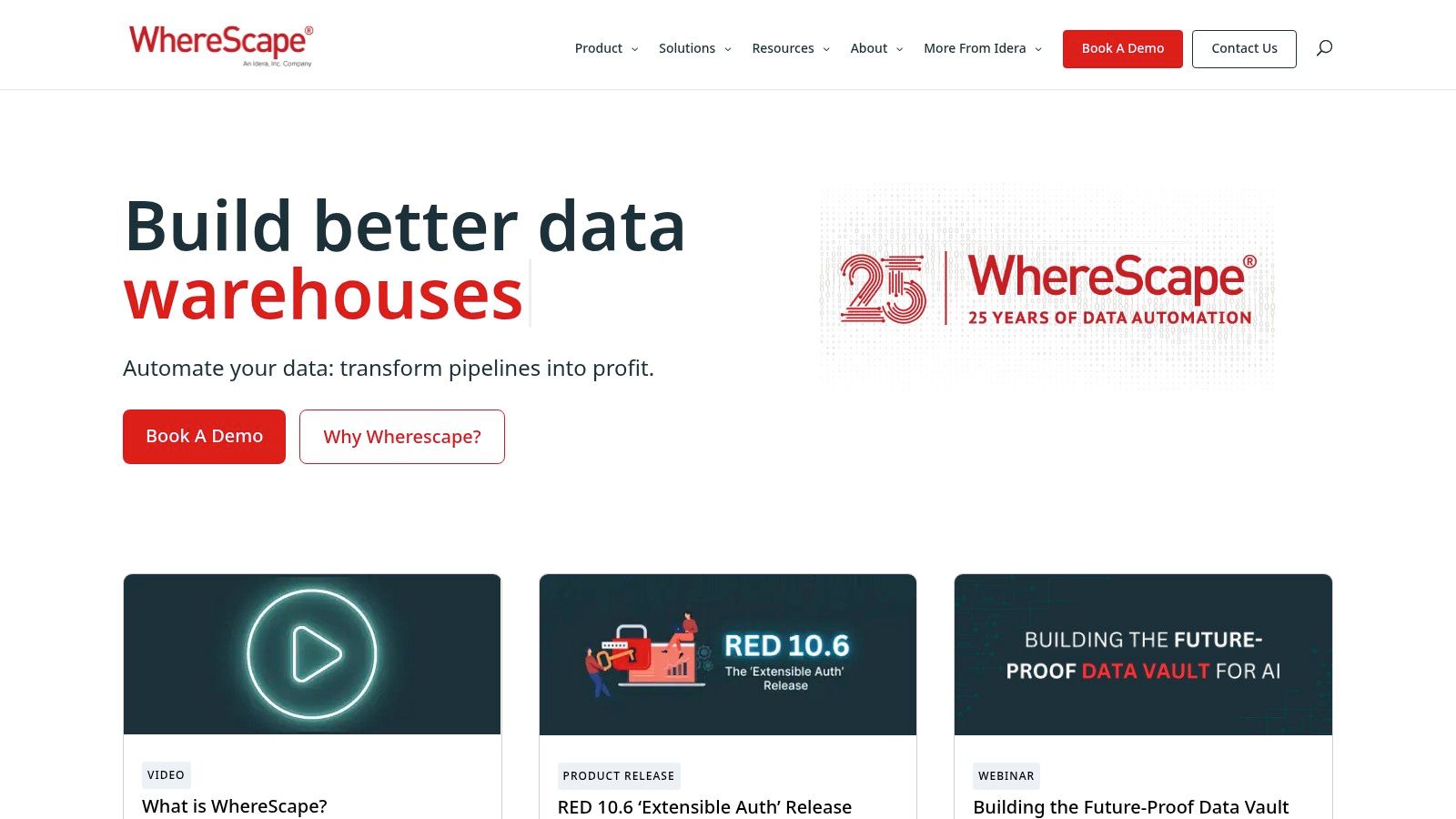
The website (https://www.wherescape.com/) serves as the central hub for accessing its products: WhereScape RED for building and managing warehouses, WhereScape 3D for data modeling and discovery, and Data Vault Express for specialized Data Vault 2.0 automation. Users can request personalized demos and trials directly from the site, which is the primary path to engagement as pricing is enterprise-focused and not publicly listed.
Core Features & Use Case
WhereScape is ideal for organizations with complex, heterogeneous data ecosystems that require robust governance and documentation. Its key strength lies in automatically generating detailed lineage and documentation as a byproduct of the development process, a critical feature for regulated industries or large enterprises. A typical use case involves a financial services firm migrating from an on-premises SQL Server warehouse to Snowflake, using WhereScape to model the new structure, automate the ELT code generation, and maintain comprehensive documentation for auditors. Its approach aligns with many established principles, and you can explore more about best practices in data warehousing on streamkap.com.
- Pros: Highly mature platform with extensive templates, powerful built-in documentation and data lineage capabilities, and strong support for traditional and modern data platforms.
- Cons: Pricing is entirely sales-led and can be a significant investment. The tool’s heritage is in the Windows and SQL Server world, which can sometimes create a steeper learning curve for teams working exclusively in cloud-native or non-Microsoft environments.
3. TimeXtender
TimeXtender offers a holistic, low-code data estate builder designed to accelerate the creation and management of modern data platforms. The platform uses a metadata-driven approach to automate the entire data pipeline, from ingestion and preparation to modeling and delivery. It generates optimized, native code for a range of Microsoft-centric and cloud data platforms, including SQL Server, Azure Synapse, Snowflake, and Microsoft Fabric, enabling teams to build robust analytics solutions without extensive manual coding.
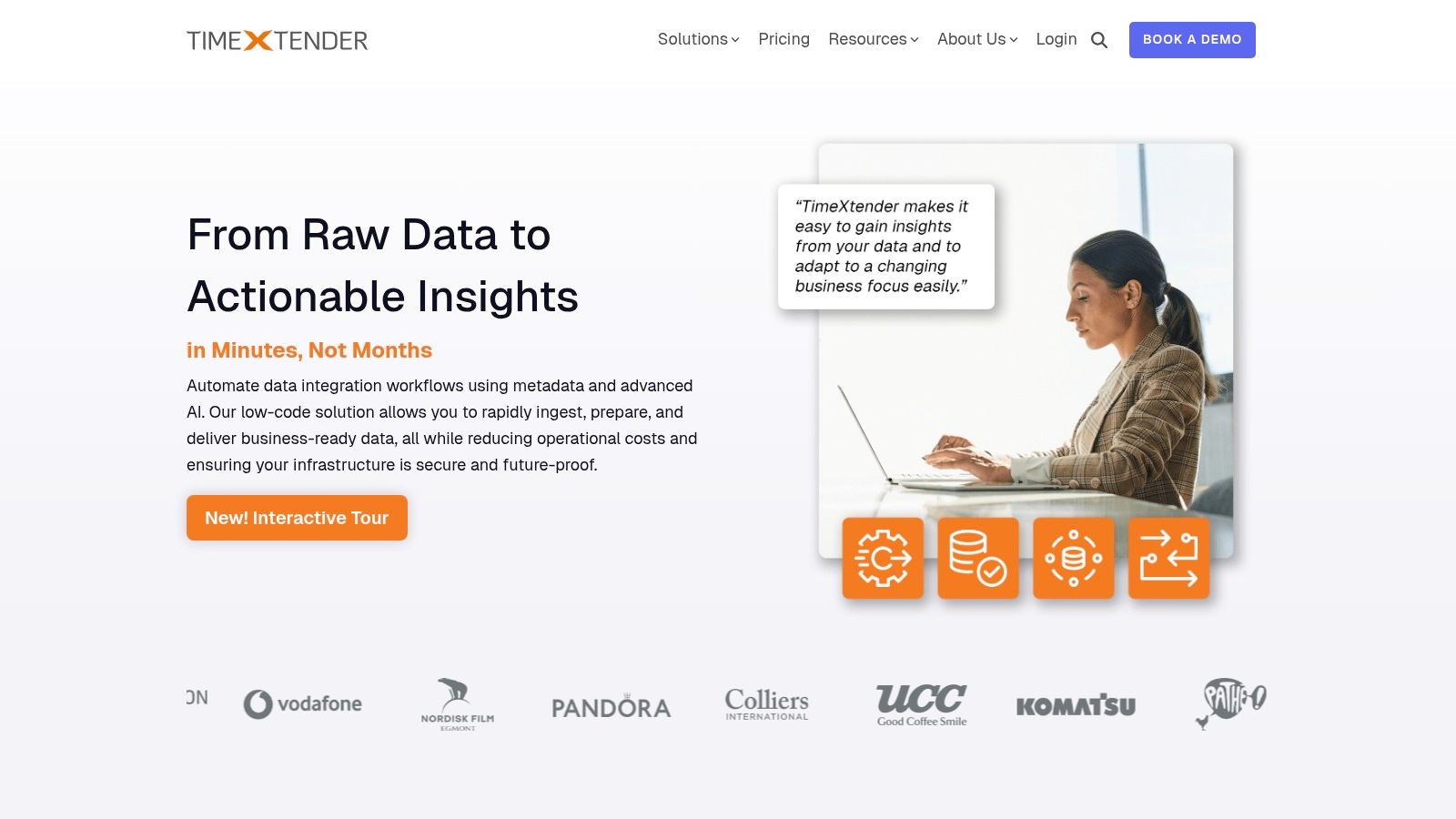
The website (https://www.timextender.com/) clearly outlines its product capabilities and, notably, provides transparent, instance-based subscription pricing. This is a key differentiator from many enterprise-focused data warehouse automation tools that require a sales inquiry for cost information. Users can explore different tiers, book a demo, and access extensive documentation and cloud deployment guides directly, making it easier to evaluate the tool’s fit and potential ROI.
Core Features & Use Case
TimeXtender is particularly well-suited for organizations heavily invested in the Microsoft data ecosystem or those planning a migration to Azure or Snowflake. Its core strength lies in rapidly building a governed, well-documented “data estate” that can serve multiple analytics and BI tools. A common use case is a mid-sized enterprise using Dynamics 365 that needs to consolidate its operational data into an Azure Synapse warehouse for Power BI reporting. TimeXtender automates the entire process, from schema creation and data movement to generating documentation, significantly reducing development time.
- Pros: Transparent, tiered pricing model simplifies procurement. Its metadata-driven framework and extensive connector library create a highly automated and future-proof data infrastructure. Recognized by users on platforms like G2 for its ease of use.
- Cons: The entry-level price point may be high for smaller teams or initial projects. While powerful, larger, more complex deployments will likely still require a sales-led procurement process to tailor the solution.
4. VaultSpeed
VaultSpeed is a cloud-native platform laser-focused on automating the design, build, and maintenance of data warehouses using the Data Vault 2.0 methodology. It stands out by treating the data warehouse as a product, using a no-code, guided interface to generate optimized, native DDL and ELT/ETL code for leading cloud platforms like Snowflake, Databricks, BigQuery, and Microsoft Fabric. This methodology-driven approach ensures consistency and scalability, making it a strong contender among data warehouse automation tools.
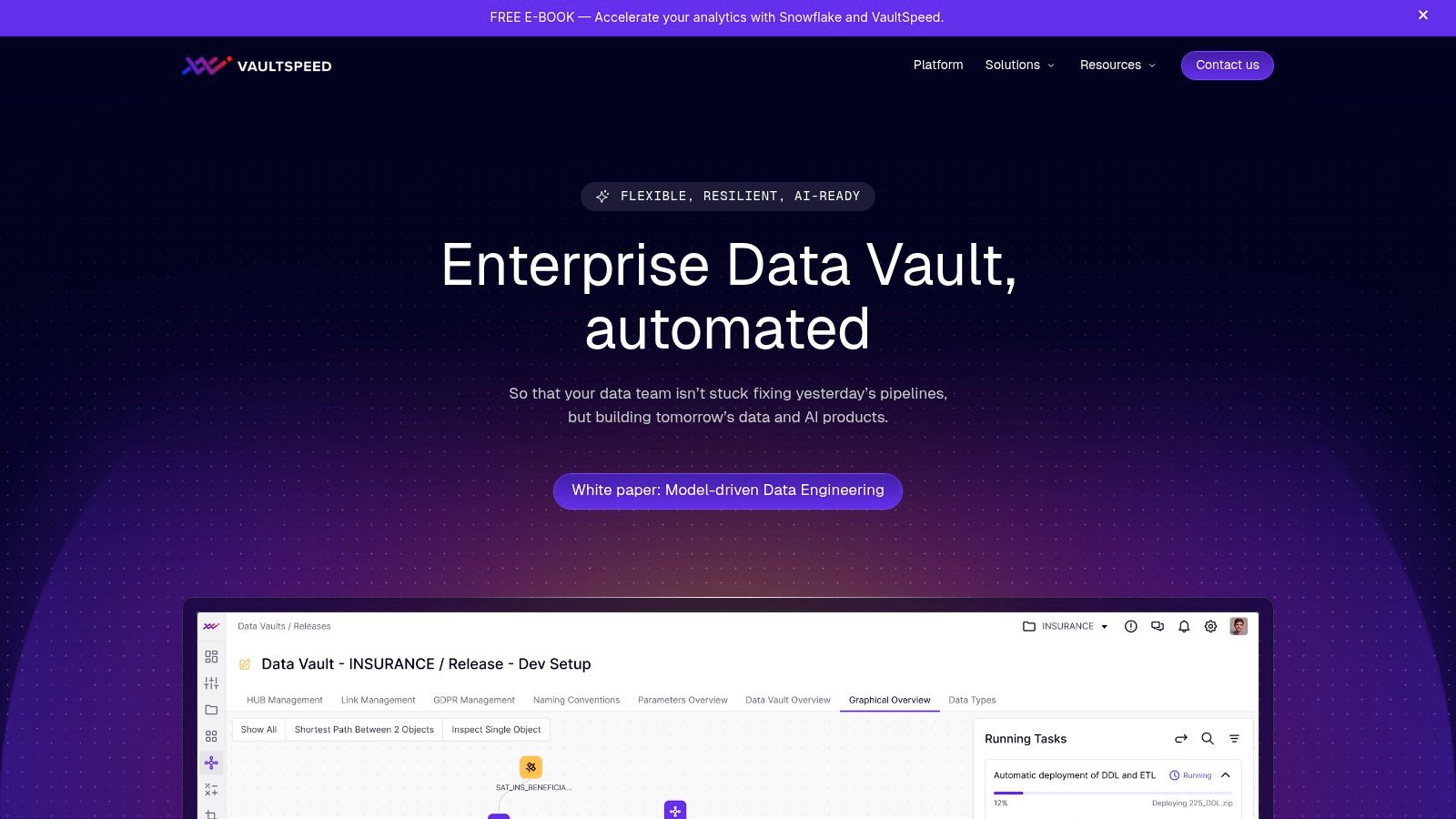
The website (https://vaultspeed.com/) acts as the primary portal for understanding the platform’s capabilities and methodology. Prospective users can schedule personalized demos and request trials to evaluate the tool. Pricing is not publicly available, indicating an enterprise-focused sales model where engagement begins with a direct conversation to tailor a solution. The site provides extensive resources, including case studies and whitepapers, to help teams understand the benefits of its approach.
Core Features & Use Case
VaultSpeed is tailor-made for organizations committed to implementing a Data Vault 2.0 architecture to handle complex and evolving data sources. Its core strength lies in its high degree of automation across the entire data warehouse lifecycle, from source data ingestion and modeling to code generation and deployment via CI/CD integrations with tools like Git and Airflow. A typical use case would be a large insurance company looking to build a scalable, auditable central data platform. They could use VaultSpeed to rapidly ingest data from various policy and claims systems, automate the creation of hubs, links, and satellites, and ensure full data lineage. The platform’s ability to handle source changes automatically is also a key feature, and you can explore more about the underlying technology in this guide explaining what is change data capture on streamkap.com.
- Pros: Deep specialization and official certification in Data Vault 2.0, providing a robust and standardized architecture. High automation coverage across the lifecycle and strong cloud portability.
- Cons: Primarily suited for organizations that have already decided on the Data Vault methodology. The enterprise-oriented, sales-led engagement model and pricing can be a barrier for smaller teams.
5. Datavault Builder
Datavault Builder is a model-driven data warehouse automation tool specializing in the Data Vault 2.0 methodology, while also providing robust support for generating traditional star schemas. It distinguishes itself with a visual, collaborative modeling environment where changes to the business model are instantly translated into optimized, native SQL code for deployment. This real-time synchronization between design and implementation drastically accelerates development cycles and ensures consistency across the entire data warehouse lifecycle.
The platform (https://datavault-builder.com/) supports a wide range of modern and traditional data platforms, including Snowflake, Databricks, BigQuery, and various SQL databases. A key differentiator is its deployment flexibility, offering SaaS, on-premises, and private cloud options to fit diverse security and infrastructure requirements. Pricing information requires direct contact with the vendor, who often works through cloud marketplace private offers for streamlined procurement.
Core Features & Use Case
Datavault Builder is ideal for organizations committed to the Data Vault methodology that need a unified platform covering design, development, deployment, and operations. Its strength lies in its comprehensive, Git-based CI/CD and DevOps capabilities, allowing teams to manage their data warehouse as code. A typical use case involves a heavily regulated company, like an insurance provider, using the visual modeler to design an auditable data core. They then leverage the automated code generation and built-in data lineage features to deploy and maintain a compliant, scalable warehouse on Snowflake or Azure Synapse.
- Pros: Complete lifecycle coverage from design to operations in a single tool, highly flexible deployment options (SaaS, on-prem, private cloud), and strong support for Git-based DevOps workflows.
- Cons: Pricing is not transparent and requires sales engagement. As an EU-based vendor, US customers may find procurement easier via cloud marketplaces rather than direct contracts.
6. Qlik Compose for Data Warehouses
Qlik Compose for Data Warehouses offers an agile approach to data warehouse automation, focusing on automating the design, ETL code generation, and ongoing updates of the data warehouse. It operates as a key component within the broader Qlik ecosystem, often paired with Qlik Replicate for real-time change data capture (CDC). This synergy allows organizations to accelerate the entire data pipeline, from raw data ingestion to analytics-ready data marts, supporting both on-premises and cloud platforms.
The official website (https://www.qlik.com/us/products/qlik-compose-data-warehouses) provides product details, datasheets, and pathways to request a demo. Engagement is primarily sales-driven, as pricing and packaging are customized based on the overall Qlik solutions adopted by an enterprise. The site positions Compose as the engine for creating and managing analytics-ready data structures efficiently.
Core Features & Use Case
Qlik Compose is best suited for organizations already invested in or planning to adopt the Qlik suite for data integration and analytics. Its strength lies in its model-driven, pattern-based automation that significantly reduces the manual effort of writing and maintaining ETL/ELT code. A common use case is a retail company using Qlik Replicate to stream transactional data from an Oracle database into Snowflake, and then using Qlik Compose to automatically model, generate, and manage the transformation logic needed to build a star schema data mart for analysis in Qlik Sense.
- Pros: Deep integration with the Qlik ecosystem, especially Qlik Replicate for efficient CDC. Backed by a major vendor with strong analyst visibility and enterprise support.
- Cons: The best value is realized when adopted as part of a larger Qlik implementation. It is not typically positioned as a standalone, best-of-breed DWA tool for organizations outside the Qlik ecosystem. Pricing is entirely sales-led.
7. Microsoft Azure Marketplace — WhereScape RED
For enterprises heavily invested in the Microsoft ecosystem, the Azure Marketplace listing for WhereScape RED offers a streamlined procurement and deployment path for one of the most established data warehouse automation tools. This platform isn’t the tool itself, but rather a gateway that simplifies acquisition, centralizes billing through an Azure subscription, and integrates with existing enterprise agreements. This approach significantly reduces administrative friction, allowing teams to bypass lengthy traditional vendor onboarding processes and manage software spend within their consolidated Azure bill.
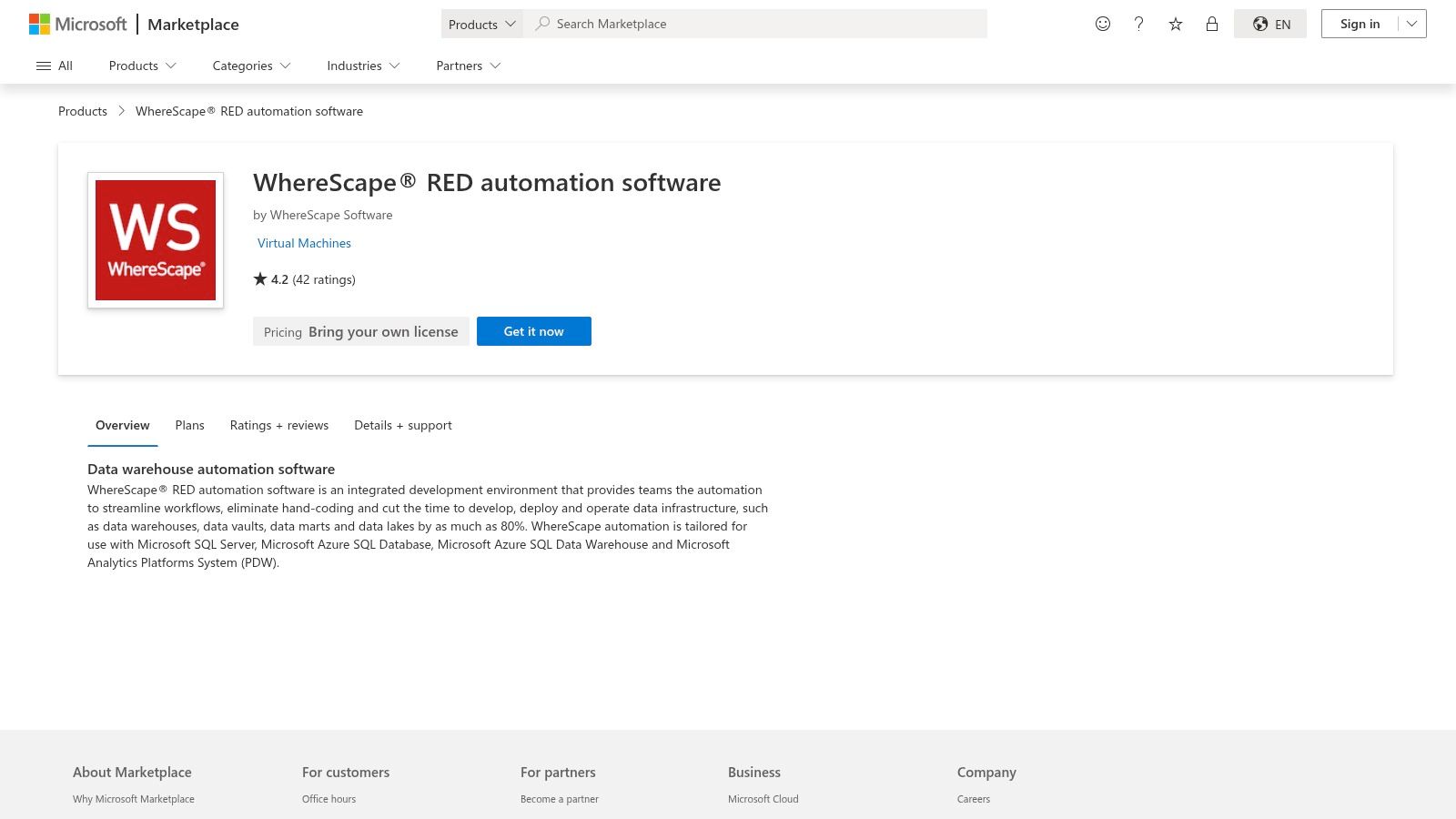
The website (https://marketplace.microsoft.com/en-us/marketplace/apps/wherescapesoftware.wherescape-red) provides a “Get it now” flow with clear plan details, user ratings, and access to vendor support channels. Customers can leverage Microsoft’s enterprise-friendly terms and even engage in private offers directly through the marketplace, making it a powerful procurement vehicle for large organizations.
Core Features & Use Case
The primary use case for this marketplace listing is for enterprise IT and procurement teams that need to acquire WhereScape RED while adhering to corporate policies favoring consolidated cloud billing and simplified vendor management. By procuring through Azure, a company can deploy WhereScape to automate its Azure Synapse Analytics, SQL Server, or Snowflake-on-Azure data warehouses without setting up a separate payment relationship. It ensures that the software subscription costs are tracked alongside the infrastructure costs (e.g., virtual machines, Synapse compute) that WhereScape RED orchestrates, providing a holistic view of the project’s total cost of ownership within the Azure portal.
- Pros: Simplifies vendor onboarding and consolidates software and infrastructure spend into a single Azure bill. It supports private offers and enterprise agreements negotiated through Microsoft.
- Cons: The available features and entitlements depend on the specific plan chosen through the marketplace. Customers must remember that they still incur separate infrastructure costs on Azure for the databases and compute resources the tool manages.
8. Microsoft Azure Marketplace — TimeXtender
For organizations deeply invested in the Microsoft ecosystem, the Azure Marketplace provides a streamlined and governed way to procure and deploy data warehouse automation tools like TimeXtender. This listing offers a certified, pre-configured virtual machine image, enabling teams to deploy the TimeXtender application server directly within their Azure environment. This approach simplifies initial setup and ensures architectural alignment with existing Azure services, reducing administrative overhead and accelerating time-to-value for new data warehousing projects.
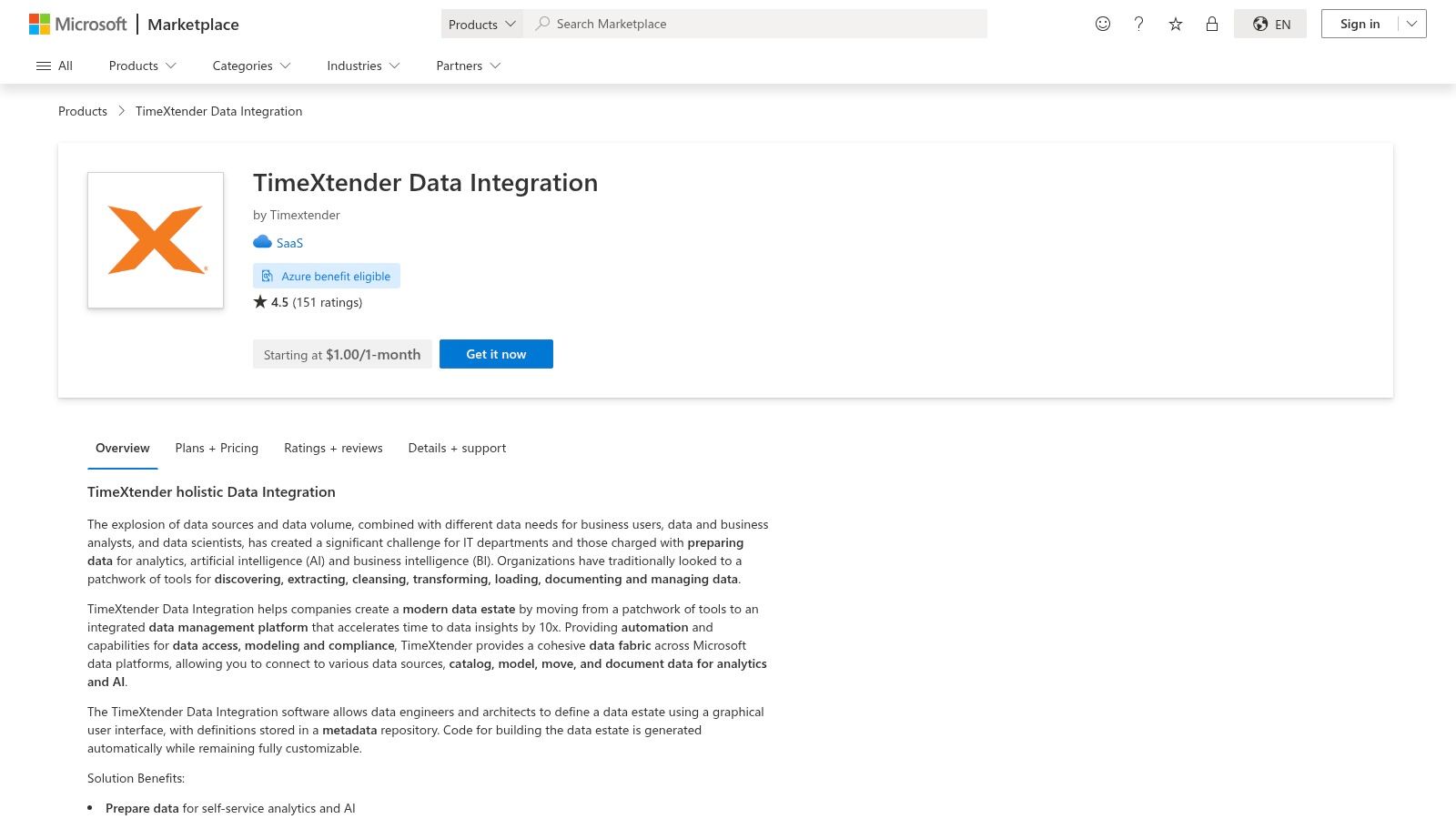
The website (https://azuremarketplace.microsoft.com/en-us/marketplace/apps/timextender.timextender) acts as a deployment portal rather than a direct sales channel. Users can find detailed reference architectures and documentation for integrating TimeXtender with targets like Azure SQL, Synapse Analytics (now part of Microsoft Fabric), and Data Lake. While the marketplace facilitates the initial deployment, final licensing and commercial terms are typically handled directly with TimeXtender, though procurement can often leverage existing enterprise agreements with Microsoft.
Core Features & Use Case
This deployment method is ideal for enterprises that prioritize cloud governance and want to leverage their existing Azure commitments. Its key strength is the certified integration and simplified billing through a trusted vendor channel. A typical use case involves an IT department that needs to deploy a data platform for a business unit while adhering to strict security and procurement policies. Using the Azure Marketplace listing, they can deploy the TimeXtender server, connect it to Azure Data Factory for orchestration, and build a semantic layer for Power BI, all within a compliant Azure resource group.
- Pros: Fast procurement and deployment that aligns with enterprise cloud governance, and potential for Microsoft co-sell and marketplace benefits for large buyers.
- Cons: The customer remains fully responsible for sizing and managing the underlying Azure VM resources, and the app licensing and final terms may still require direct vendor contact outside the marketplace.
9. Microsoft AppSource — Datavault Builder (SaaS)
For organizations deeply integrated into the Microsoft ecosystem, the Microsoft AppSource marketplace offers a streamlined procurement path for Datavault Builder, a powerful Data Vault 2.0 automation tool. This listing simplifies the acquisition process, allowing businesses to leverage their existing Microsoft agreements and procurement channels. Datavault Builder itself is a comprehensive platform designed to automate the entire lifecycle of a Data Vault warehouse, from modeling and generation to operation, supporting targets like Snowflake, Azure SQL, Synapse, Oracle, and PostgreSQL.
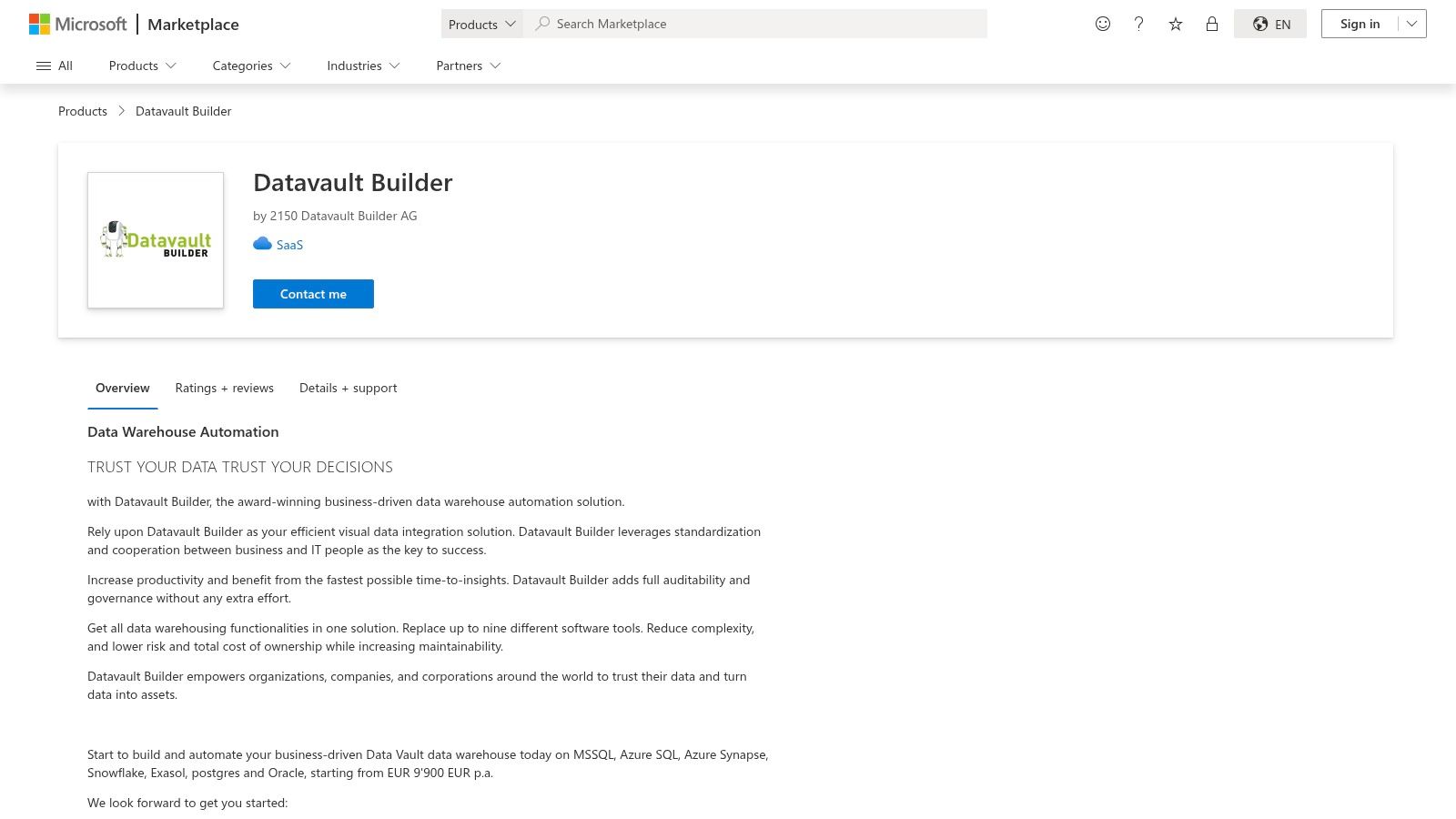
The AppSource page (https://appsource.microsoft.com/en-us/product/saas/2150datavaultbuilderag1655454549660.datavault_builder_enterprise) acts as a gateway rather than a full product portal. It provides direct links to request a trial or demo and outlines the deployment process. Crucially, it offers a public starting price anchor, noting that the solution begins at €9,900 per year. This transparency helps teams with initial budget planning before engaging directly with the vendor for a detailed quote.
Core Features & Use Case
This specific entry point is ideal for Microsoft-centric organizations looking to implement a rigorous Data Vault 2.0 methodology with minimal vendor onboarding friction. The primary use case is for a company using Azure services that wants one of the specialized data warehouse automation tools but prefers to transact through the familiar and pre-approved Microsoft Commercial Marketplace. By acquiring the tool here, they can simplify vendor management and potentially consolidate billing. The platform itself automates code generation, documentation, and workflow management, significantly accelerating the development of auditable and scalable data warehouses.
- Pros: Provides a helpful public price anchor for initial budget planning. Streamlines vendor onboarding and procurement for existing Microsoft tenants through the commercial marketplace.
- Cons: The listed price is in euros and serves only as a starting point; final US pricing and terms require direct vendor engagement. Full feature and edition details are not on the listing and necessitate a sales call.
10. Coalesce
Coalesce is a data transformation platform that brings a model-driven, code-first approach to data warehouse automation, with a particularly strong focus on the Snowflake ecosystem. It is designed to accelerate the development, deployment, and management of data pipelines by applying software engineering best practices like reusable components, version control, and automated testing. The platform translates visual data models and business logic into optimized, native SQL for Snowflake, enabling data teams to build complex transformations with greater speed and governance.
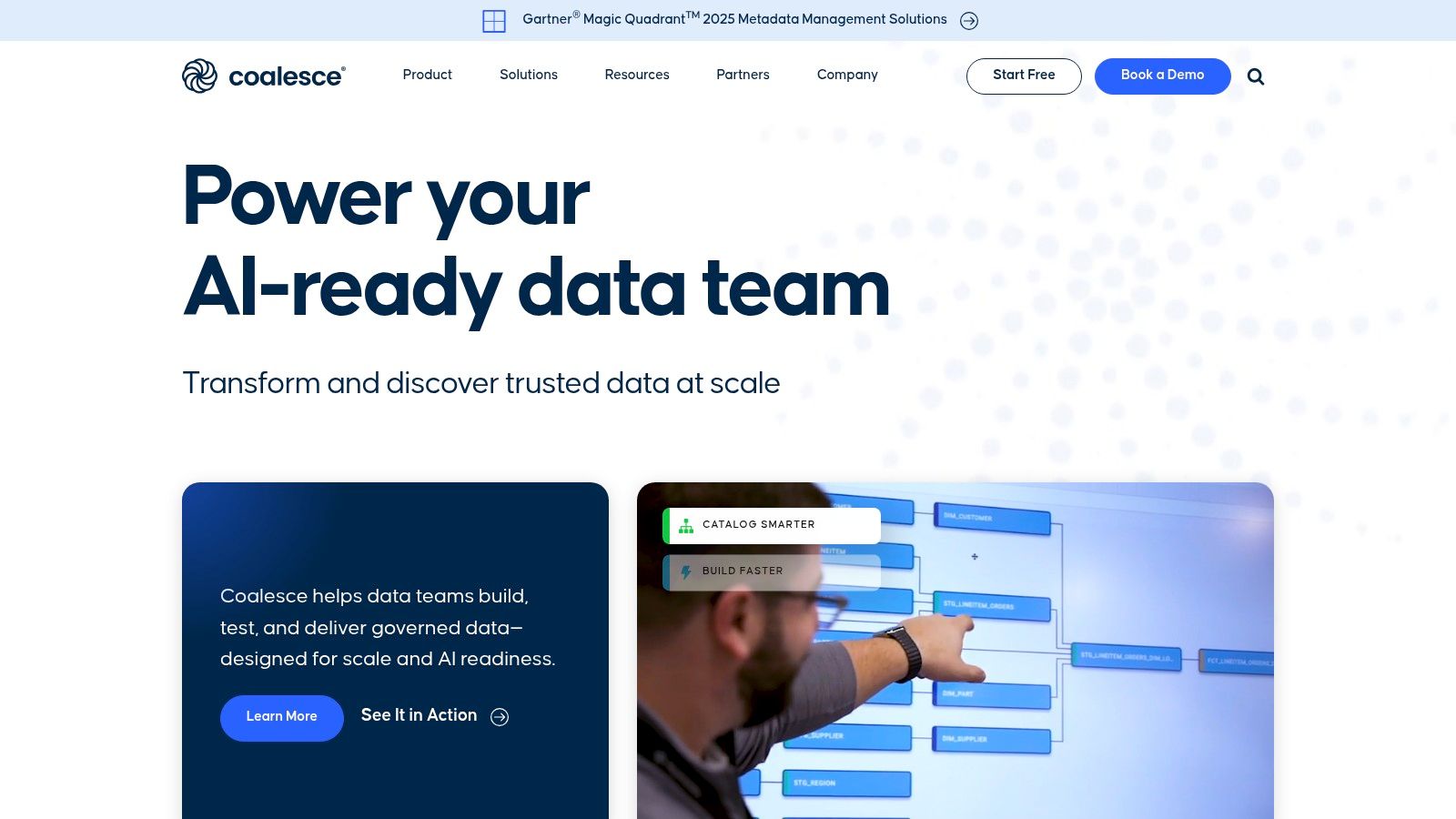
The website (https://coalesce.io/) highlights the platform’s column-level lineage, automated documentation, and CI/CD integration. Engagement is sales-led, requiring users to request a demo or personalized trial to access the platform, as pricing is not publicly available. This model suits enterprises looking for a scalable, team-oriented solution for their transformation layer.
Core Features & Use Case
Coalesce excels in scenarios where teams need to standardize and scale their data transformation workflows on Snowflake. A key strength is its ability to enforce data modeling patterns and coding standards across projects through templates and reusable “nodes.” A common use case is a large analytics team managing hundreds of data models. They can use Coalesce to define standardized dimension and fact table structures, automatically generate the corresponding SQL code, and manage changes through a Git-native workflow, ensuring consistency and reducing development time.
- Pros: Boosts developer productivity on Snowflake with templates and code generation. Strong governance through built-in version control, column-level lineage, and automated documentation.
- Cons: Pricing is quote-based and geared toward enterprise teams. It focuses heavily on the transformation (“T” in ELT) layer, often requiring separate tools for data ingestion and extraction.
11. Matillion
Matillion provides a cloud-native, low-code platform known as the Data Productivity Cloud, designed to build, manage, and scale data pipelines. While not a traditional end-to-end data warehouse automation tool that designs schemas and manages the full warehouse lifecycle, it excels at the critical ELT portion. The platform uses a pushdown ELT architecture, leveraging the compute power of target cloud data warehouses like Snowflake, Redshift, and BigQuery to transform data efficiently after loading.
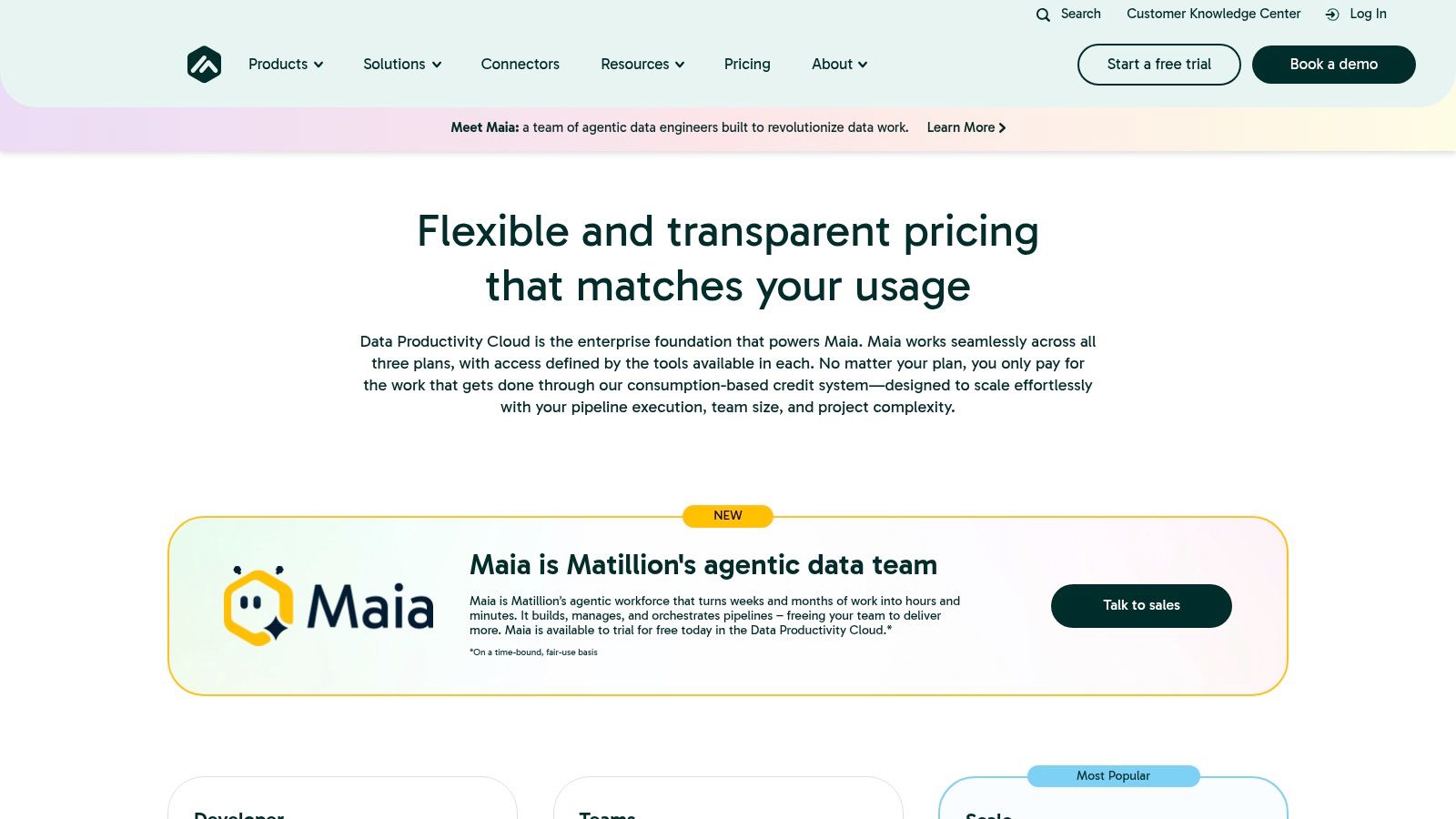
The website (https://www.matillion.com/pricing) clearly outlines its plans and offers a free trial, providing a transparent entry point for teams to evaluate the platform. Users can access extensive documentation and connect with a large community directly from the site. Billing is flexible, with options to purchase directly or through cloud marketplaces, which simplifies procurement for many organizations.
Core Features & Use Case
Matillion is best suited for data teams that need to rapidly build and orchestrate complex ELT pipelines without extensive hand-coding. Its strength lies in its vast library of over 150 pre-built connectors and a visual, drag-and-drop interface that abstracts away the complexity of API integrations and data transformations. A common use case is a marketing analytics team pulling data from sources like Salesforce, Google Analytics, and various ad platforms into BigQuery. They can use Matillion to visually build jobs that extract, load, and then transform this data into a unified reporting model, all orchestrated within the Matillion platform. You can find out more about how to automate your data pipeline on streamkap.com.
- Pros: Transparent and flexible pricing with a free trial available. Its intuitive, low-code canvas and wide connector support make it easy for teams to quickly become productive.
- Cons: Primarily focused on the ELT/pipeline automation part of the process, not full lifecycle data warehouse automation (e.g., schema design, DDL generation). Some users have noted that costs can become significant at a larger scale.
12. G2 — Data Warehouse Automation category
While not a tool itself, G2’s Data Warehouse Automation category is an indispensable resource for evaluating and shortlisting vendors. It functions as a B2B software marketplace and review platform, aggregating user feedback, expert guides, and side-by-side product comparisons. This provides an essential layer of social proof and real-world validation that is often missing from vendor-produced marketing materials. By centralizing reviews and feature grids, G2 helps teams quickly gauge user sentiment on critical aspects like ease-of-use, implementation, and quality of support.
The platform (https://www.g2.com/categories/data-warehouse-automation/enterprise) is organized to help buyers navigate the complex market of data warehouse automation tools. Users can filter products based on company size, industry, and specific features, allowing for a more targeted discovery process. Access to the core review content is free, though deeper reports and certain comparison functionalities may require a sign-up.
Core Features & Use Case
G2 is best used during the initial research and final validation stages of the procurement process. Its primary strength lies in offering unfiltered, recent user feedback that can balance a vendor’s sales pitch with actual customer experiences. A typical use case involves a data engineering manager creating a shortlist of three to four tools and then using G2 to compare their user-reported pros and cons, check ratings for customer support, and identify potential “gotchas” mentioned in detailed reviews before committing to a demo or proof-of-concept.
- Pros: Aggregates a high volume of recent, authentic user feedback, providing a crucial check against vendor claims. The platform’s grid-based comparison is excellent for validating features and support quality across multiple tools.
- Cons: The category can sometimes include adjacent ETL/ELT tools that are not pure-play DWA solutions, requiring some user discernment. Some in-depth content and market reports are gated behind a registration wall.
Top 12 Data Warehouse Automation Tools Comparison
ProductCore featuresPerformance & user experienceValue proposition / USPTarget audiencePricing & deployment**Streamkap (Recommended)**Zero-ops managed Kafka & Flink, sub-second CDC, pre-built connectors, Python/SQL transforms, auto schema handlingSub-second latency, automatic scaling, production monitoring, fast setupReplace batch ETL with real-time streaming, lower TCO (customer-reported savings), predictable billingData teams needing low-latency replication, real-time analytics, event-driven appsManaged SaaS, free trial, pricing via salesWhereScapeMetadata-driven automation, templates, native platform support (Snowflake, Databricks, SQL Server)Mature UI, strong lineage & documentationEnd-to-end DWA with extensive templates and ecosystemEnterprise DWA teams, Microsoft-centric environmentsSales-led pricing, on-prem/cloud deploymentsTimeXtenderLow-code data-estate automation, Data Quality/MDM add-ons, Git workflowsCloud-ready reference architectures, recognized on review sitesHolistic ingest→prepare→deliver automation, transparent tiered packagingMid-to-enterprise analytics teams, Azure customersTiered instance pricing (starter ~$34k/yr), marketplace optionsVaultSpeedData Vault 2.0 automation, self-learning templates, Airflow/Git integrationsHigh automation coverage, fast migration timelinesStrong Data Vault methodology focus, cloud portabilityData Vault practitioners, large migrationsSales-led SaaS, enterprise engagement modelDatavault BuilderVisual business modeling, real-time model→code sync, CI/CD, lineageComprehensive lifecycle tooling, flexible deploymentsModel-driven code generation and ops, multi-platform supportTeams needing Data Vault + visual modeling, on-prem or cloudContact vendor for pricing, EU-based vendorQlik Compose for Data WarehousesPattern-based automation, ETL code generation, integrates with Qlik ReplicateAgile DWA experience, good testing/deployment supportTight integration with Qlik stack and CDC toolingQlik customers and enterprises needing integrated DWASales-led pricing, on-prem or cloudMicrosoft Azure Marketplace — WhereScape REDMarketplace procurement, plan listings, Azure integrationStreamlined onboarding, Azure billing & support linksConsolidated billing, private offers via MicrosoftEnterprise Azure buyers seeking marketplace procurementProcured via Azure Marketplace; infra costs applyMicrosoft Azure Marketplace — TimeXtenderAzure VM images, reference architectures, Azure-native docsAzure-certified deployment flow, marketplace supportFast Azure procurement and alignment with cloud governanceAzure enterprise customersAvailable on Azure Marketplace; resource sizing billed separatelyMicrosoft AppSource — Datavault Builder (SaaS)AppSource listing, trial/demo flow, platform supportSimplified onboarding for Microsoft tenantsPublic starting price anchor (€9,900/yr) for planningMicrosoft tenants evaluating Datavault Builder SaaSAppSource procurement; final terms via vendorCoalesceMetadata-driven transformations, reusable patterns, governance, GitStrong Snowflake-focused UX, CI/CD nativeAccelerates warehouse refactor & migration, enforces standardsTeams focused on transformation layer and governanceSales-led pricing, complementary ingestion/CDC often requiredMatillion150+ connectors, pushdown ELT, orchestration, Git integrationLow-code canvas, well-documented, try-free optionsFast ELT into cloud warehouses, broad connector coverageELT teams building pipelines to Snowflake/BigQuery/RedshiftTransparent plans, vendor and marketplace billing; costs scaleG2 — Data Warehouse Automation categoryCategory pages, product grids, review breakdownsAggregated user reviews, pros/cons summariesVendor shortlisting and user-sentiment validationBuyers researching DWA vendorsFree to browse (some gated content); links to vendor pages
Making Your Final Decision: From Automation to Real-Time Insights
Navigating the landscape of data warehouse automation tools can feel overwhelming, but as we’ve explored, the “best” tool is rarely a one-size-fits-all solution. Your final decision hinges on a careful evaluation of your organization’s unique data strategy, existing infrastructure, team skillset, and future ambitions. The key is to move beyond feature checklists and focus on the specific business outcomes you aim to achieve.
We’ve seen how established players like WhereScape and TimeXtender offer comprehensive, end-to-end lifecycle management, proving invaluable for teams looking to automate everything from data ingestion and modeling to documentation and deployment on platforms like Snowflake and Azure. Their strength lies in providing a robust framework that enforces consistency and accelerates development for complex, enterprise-grade data warehouses.
For organizations deeply committed to specific modeling methodologies, specialized tools provide unparalleled efficiency. If your team has embraced Data Vault 2.0, solutions such as VaultSpeed and Datavault Builder are purpose-built to automate the intricate details of this standard, drastically reducing manual effort and ensuring architectural purity.
The Emerging Hybrid Model: Batch Automation Meets Real-Time Ingestion
The most significant shift in the data warehouse automation space is the undeniable demand for fresher, more immediate data. Traditional, nightly batch-processing, even when automated, is no longer sufficient for use cases like operational analytics, real-time personalization, or feeding machine learning models that require up-to-the-minute information. This is where the paradigm of automation expands.
This modern requirement has given rise to a powerful hybrid approach. The optimal solution for many data-forward organizations now involves combining two distinct types of automation:
- Real-Time Ingestion Automation: This is where a change data capture (CDC) streaming platform like Streamkap becomes critical. Instead of automating a slow batch job, you automate the continuous flow of data itself. By capturing every insert, update, and delete from source systems in milliseconds, you eliminate data latency at the very first step of your pipeline.
- In-Warehouse Transformation Automation: Once fresh, granular data lands in your cloud data warehouse (Snowflake, BigQuery, Databricks), tools like Coalesce, Matillion, or WhereScape take over. They excel at automating the complex modeling, transformations, and governance required to build and maintain a structured, analytics-ready data warehouse.
This two-pronged strategy delivers the best of both worlds. You gain the operational agility and real-time insights powered by streaming data, while still benefiting from the structure, governance, and development speed provided by traditional data warehouse automation tools.
Actionable Next Steps for Your Team
Before you commit to a platform, it’s crucial to take a structured approach to your evaluation. This will ensure your chosen tool aligns with both your immediate needs and long-term goals.
Your Evaluation Checklist:
- Define Your Core Problem: Are you trying to accelerate the development of a new data warehouse, reduce the maintenance burden of an existing one, or enable real-time analytics? Clearly defining the primary pain point will immediately narrow your options.
- Assess Your Team’s Expertise: Does your team have deep SQL and data modeling skills, or would they benefit from a low-code/no-code interface? Are they comfortable with Data Vault, or do they prefer Kimball or Inmon methodologies?
- Analyze Your Data Sources and Destinations: Ensure any tool you consider has robust, pre-built connectors for your critical source systems (e.g., PostgreSQL, MongoDB, Salesforce) and fully supports your target data warehouse with platform-specific optimizations.
- Start with a Proof of Concept (POC): Never purchase a tool based on a demo alone. Select a well-defined, small-scale project and run a POC with your top two or three contenders. This real-world test is the single most effective way to validate a tool’s capabilities, ease of use, and true performance.
Ultimately, the goal of investing in data warehouse automation tools is not just to build data warehouses faster. It’s about transforming your data infrastructure into a responsive, reliable, and scalable engine for business intelligence. By choosing the right combination of tools, you empower your team to move beyond tedious manual tasks and focus on what truly matters: delivering the timely, trusted insights that drive strategic decisions.
Ready to eliminate data latency and supercharge your data warehouse with real-time insights? Streamkap provides a fully managed CDC and streaming ELT platform that automates data ingestion, delivering fresh data from your databases and applications to your warehouse in milliseconds. See how combining real-time ingestion with your favorite modeling tool can unlock the true power of your modern data stack at Streamkap.
Related resources
Sub-50ms Data Streaming for AI Agents: Benchmarks, Architecture, and Platform Comparison
Compare real-time data streaming platforms by latency performance for AI agent workloads. See how sub-50ms delivery changes agent decision quality and accuracy.
Streaming to Vector Databases: Comparing Managed Platforms for AI Teams
Compare managed streaming platforms for building real-time pipelines to vector databases. Covers Pinecone, Weaviate, Qdrant, and pgvector integration patterns.
Best CDC Platform for AI Workloads: What to Look For
Evaluating CDC platforms for AI and GenAI use cases? Compare Streamkap, Confluent, Estuary, Fivetran, Airbyte, AWS DMS, and Striim across latency, transforms, agent support, and cost.